Tape chart calendar
Rooms by day: drag, stretch and see conflicts before you let go. See Reservations.
Solutions · By property type
In a hotel, an aparthotel or a hostel, the guest buys “a superior double”, not room 203. Roombir works that way from the ground up: the category groups interchangeable rooms, the booking engine sells the category and the room is assigned automatically or by the front desk.
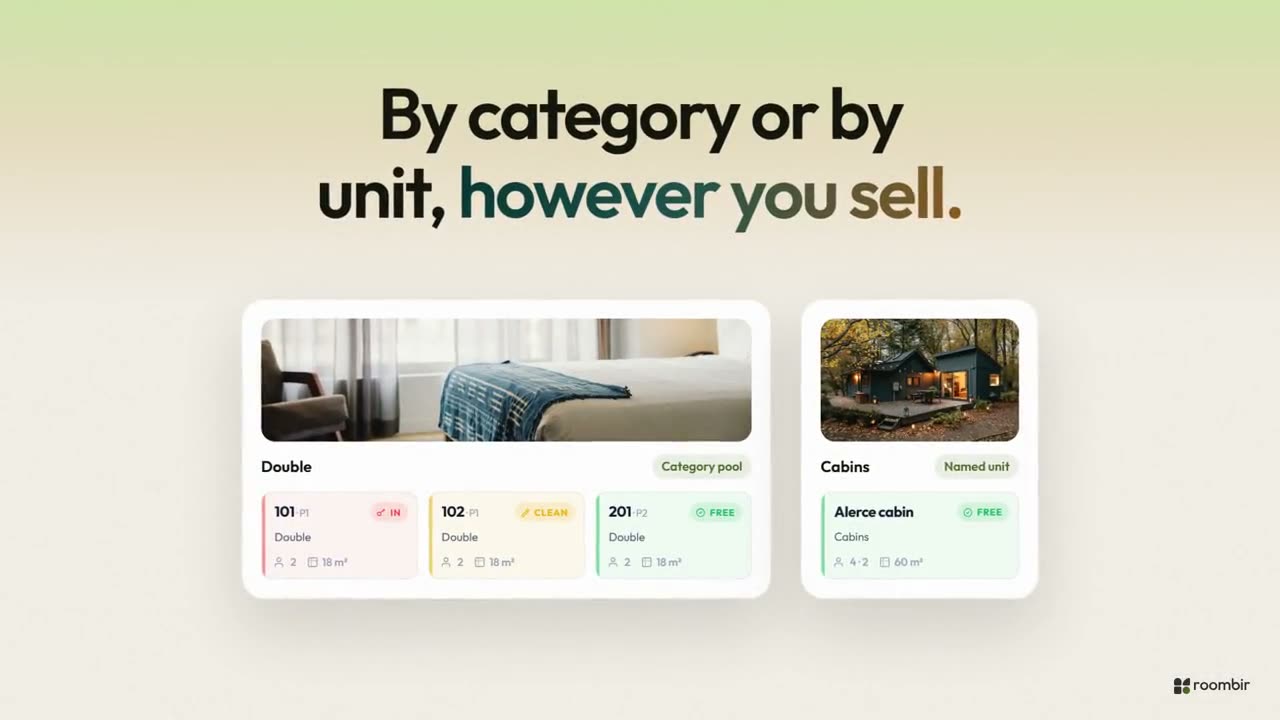
How it sells
Each category is set up as a pool: ten interchangeable doubles sell as one item, with their price, photos and amenities. When the booking is confirmed, the system picks the room.
A fully booked Saturday
A thirty-room hotel with high occupancy. On the left, what happens with spreadsheets and a separate booking engine. On the right, what the system does.
What it solves
Rooms by day: drag, stretch and see conflicts before you let go. See Reservations.
Six statuses with valid transitions, history per room and an occupancy plan by floor.
Each night of each room is a unique lock in the database: two bookings cannot take the same one.
Front desk, housekeeping, revenue and admin each open their own workspace, with their own menu.
Yes, for day-to-day operations: a daily board with arrivals and departures, a workspace for housekeeping and guided tours for rotating staff. Each room type is set up as a category with its capacity.
Yes. Automatic assignment is optional: you can let bookings come in without a room and assign them yourself from the calendar or the reservations list.
One of them does not get in. Each night of each room is a unique lock in the database: it is not a check someone can skip, the database itself prevents it.
Setup is guided: you add the property, the categories and the rooms, and availability initializes on its own.
01Add the property and the categories.
02Create all the rooms at once, with bulk upload.
03Connect the booking engine to your website and start taking bookings.