Occupancy and demand
How many rooms you have occupied today and the curve of what's already booked for the next 7 to 90 days.
Reports
Occupancy, average rate, revenue, cancellations and which channel every booking came from, calculated over the same bookings you operate. Plus a section that doesn't look at what happened but at what's loaded wrong today.
Status and cleanup
Most reports tell you about last month. This section tells you what needs fixing today, before it turns into a guest with no room.
What it measures
No separate glossary: every metric is explained right where it appears.
How many rooms you have occupied today and the curve of what's already booked for the next 7 to 90 days.
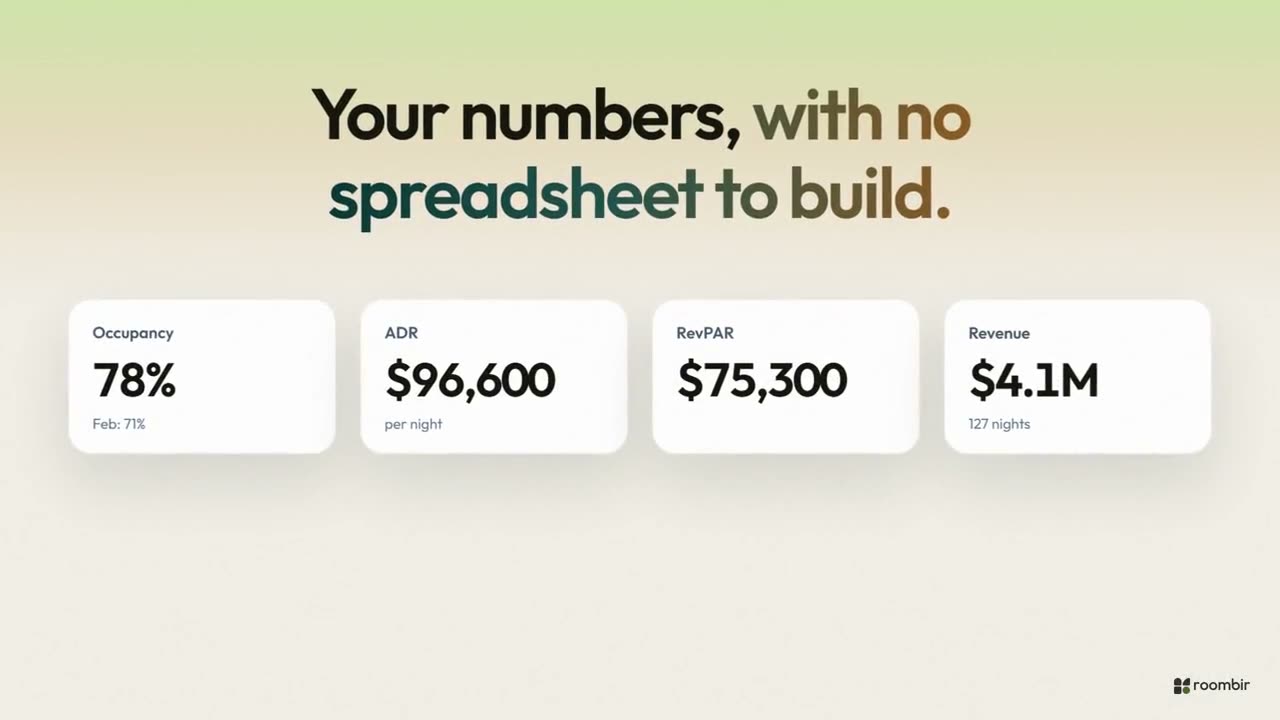
ADR is what you charge on average per night sold; RevPAR is what every room you have brings in, sold or not.
The rate for the period and last-minute ones, with their trend by week or by month.
Where every booking comes from and which one cancels on you the most. With fewer than three bookings, it won't claim it.
Against the prior period
You pick the range — a week, a month, three or six months, or a custom one — and every metric is compared against the period right before it.
The period's revenue and what's projected for the next 30 days from what's already booked.
How many days ahead people book, with the minimum, the maximum and how many bookings it was calculated over.
How many nights each guest stays, on average, in the range you picked.
Which categories are full today and which have room, with the percentage for each one.
The question that's not on screen
Roombir AI reads the same reports and answers you in the conversation, with the number and where it comes from. For "are we doing better than last year at this point?" there's Revenue's pace, against your own history.
From the same bookings you operate on the calendar, calculated on the spot. There's no overnight export and no separate database that can drift out of sync.
Reports looks at the operation: what happened, what's loaded wrong, where bookings come from. Revenue looks ahead to decide the price: pace against your own history, competitors and events.
No. With the bookings loaded, the reports are already there. The only thing worth doing is tagging the channel on every manual booking, so the channel report is worth something.
Reports aren't configured: they come from the bookings you're already loading.
01You load your bookings, or we migrate them with you.
02You tag the channel on every manual booking.
03You open Reports and pick the range.