Daily board
Today's arrivals and departures, with actionable cards. It's the screen the front desk opens the shift with.
PMS · Properties, rooms and bookings
You load the property and the rooms once. Bookings come in through your engine or you enter them yourself, and you run them on the daily board and the calendar. It is a single database: what changes on one screen has already changed on all of them.
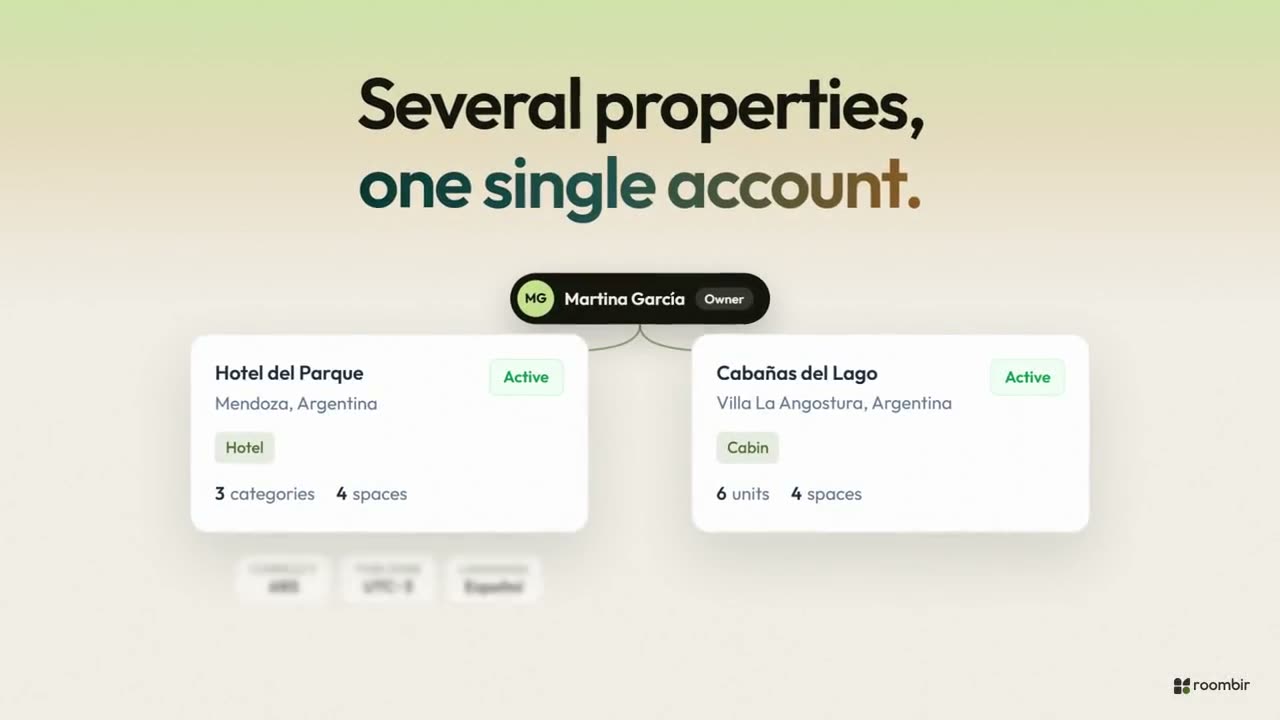
01 · Properties
A hotel in Mendoza and six cabins in Villa La Angostura, under the same login. Each property with its own currency, time zone and team; each person sees only the ones that are theirs.
02 · Rooms
A hotel sells a superior double and assigns 203 afterward. A complex sells the Alerce cabin, with its photos and its price. Roombir does both, and both at once in the same property.
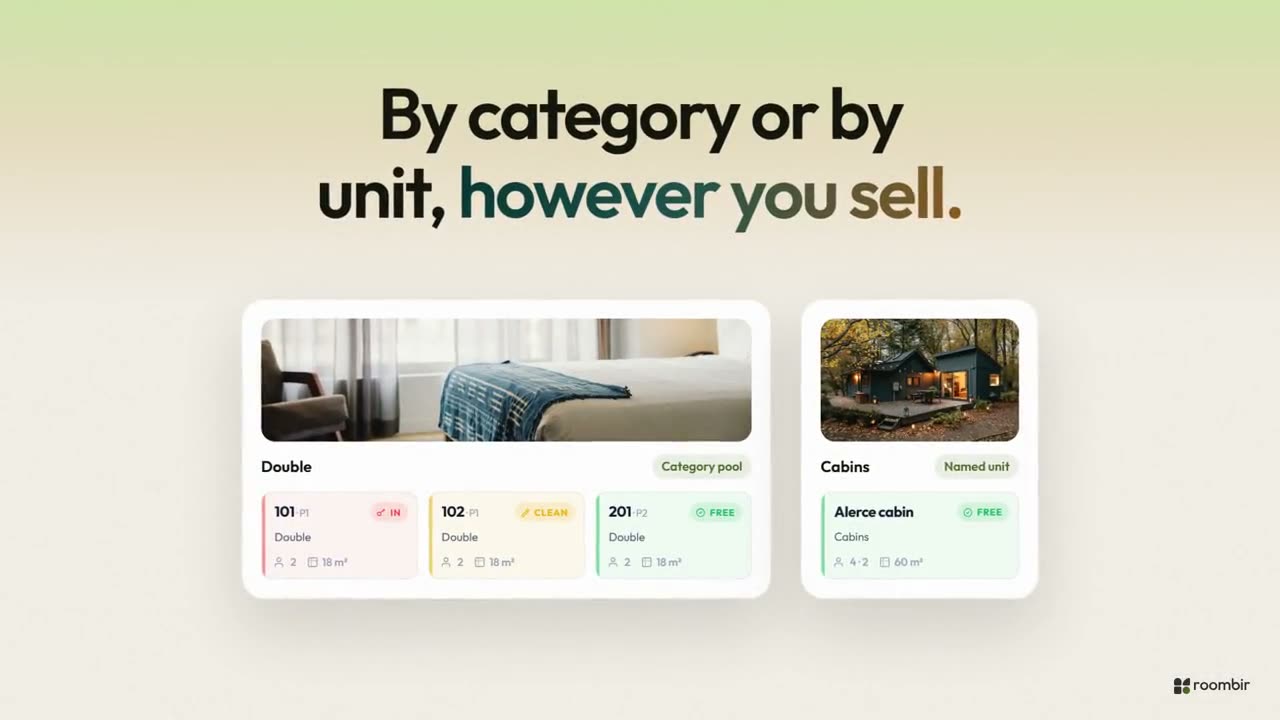
03 · Bookings
Eight views over the same data: moving a booking on the calendar changes the room, frees the night in the engine and shows up in the report.
Today's arrivals and departures, with actionable cards. It's the screen the front desk opens the shift with.
The list with filters and a side panel that opens without leaving it: summary, activity and notes. From there you assign a room and change the status.
Rooms by day. You drag a booking or stretch it, and before you drop it you see if it clashes with another and what happens to the price.
The one that came in by phone or WhatsApp: guest, dates, occupancy by age, source channel, promotions and notes.
Base price per category and rate plans with validity dates, currency and minimum stay.
A traffic light per day — free, partial, full, closed — and restrictions: closed to arrival or departure, minimum and maximum stay.
Automatic or with a code, by percentage, fixed amount or price per night, with their presentation ready for your site.
Currency, confirmation, stay rules, times and how rooms get assigned. Plus the Engine Studio for texts and colors.
Three things you will not have to think about
unit + date
Every night of every room is a unique lock in the database, not a validation two people booking at once can slip past. Maintenance blocks use the same lock, so they take real inventory out and disappear from the engine.
base · charge · display
Prices live in a base currency, you charge in another, and the guest can look in a third. The conversion stays live until check-in and freezes there. For Argentine pesos you pick which rate to use: blue, MEP, CCL or official.
reservations@roombir.com
Every guest email — confirmation, token, change notice — leaves from roombir's domain with your inbox as reply-to. It is one of the classic frictions of setting up a PMS and it was removed on purpose.
At check-in, in person. There is no integrated payment gateway yet. What there is is real multi-currency: the guest looks in their currency, you charge in yours and the conversion freezes at check-in.
Not yet: Roombir has no channel manager. If you sell on OTAs, that availability is reconciled by hand today. The system is built so that the direct booking — your site, your LinkHub, your engine — stops getting lost in a chat.
One of the two fails. Every night of every unit is a unique lock in the database — the key is the unit plus the date — so the second write does not get in. It is not a validation in the code that can be dodged: it is the database that stops it.
Yes, in the same property. Cabins go as named units and rooms as a pool, and they coexist on the same calendar and in the same engine.
You choose. In one mode the booking is born pending and the guest confirms it with a link that reaches them by email. In the other, it stays pending until the front desk accepts it. Either way, pending bookings expire on their own.
Sign-up is guided and you do it yourself. If you'd rather we walk you through loading the rooms — the step that costs the most — we do it on a short call.
01You create the property and load categories and units.
02You configure the engine in the Studio.
03You share the link and stop losing enquiries in the chat.